Underneath the touchscreen, the app, and the code pad, a smart lock is still a mechanical deadbolt with a motor bolted to it instead of a thumbturn. That distinction explains most of the calls this category gets. The electronics rarely fail on their own, what fails is the mechanical connection between the motor and a bolt that isn't throwing as freely as it should, or a battery compartment nobody checked, or a code list that never got cleaned up after someone moved out.
Call (407) 792-1378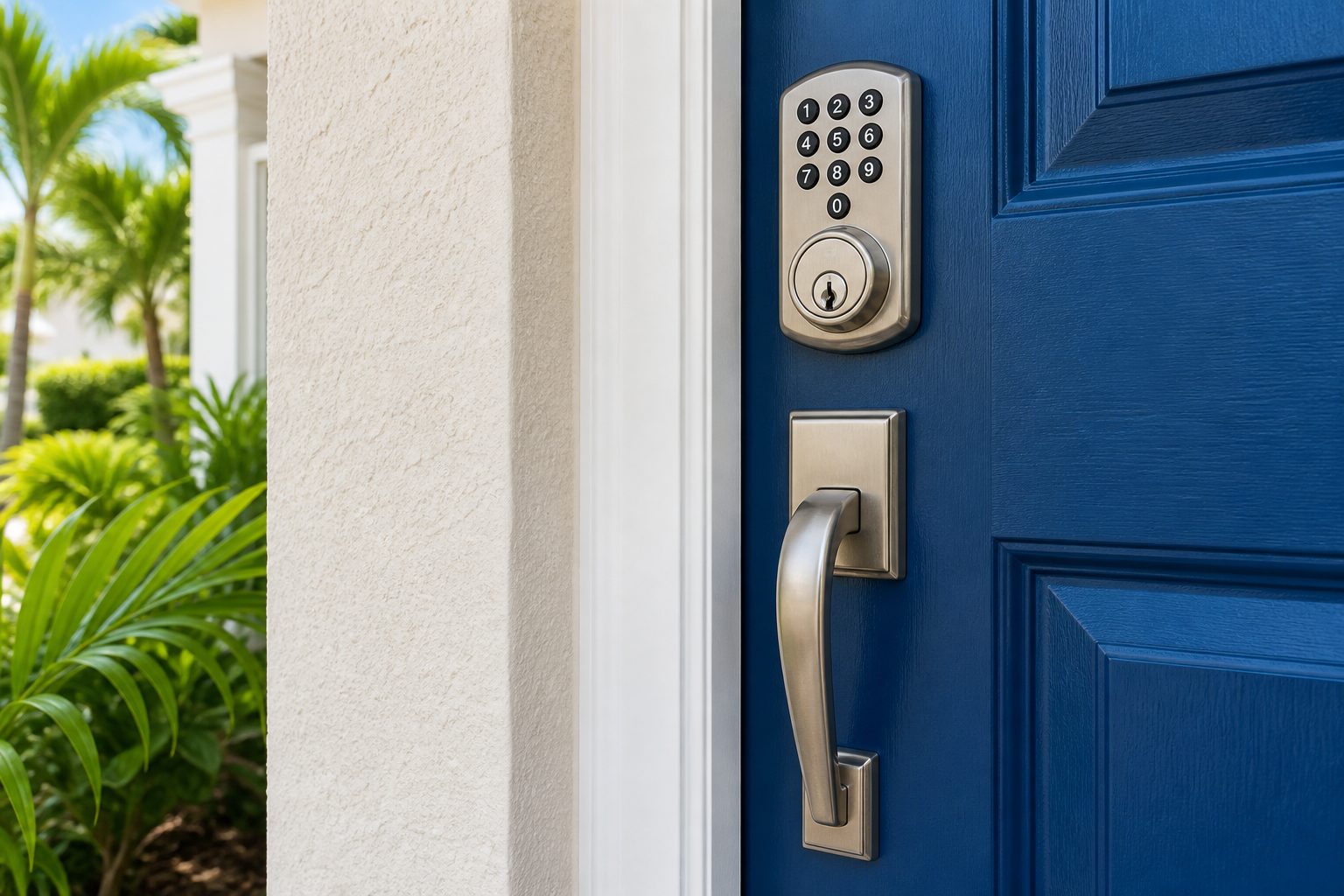
New construction and townhome communities around Lake Nona and Horizon West lean heavily on keyless entry, often as a builder-installed feature rather than something the homeowner chose and configured themselves. That's convenient at move-in and a liability a year later, when nobody's sure which codes are still active or whether the lock was ever properly aligned to the door in the first place.
A smart lock's motor is sized to turn a properly hung deadbolt with a light, consistent load. If the door has shifted, the strike is slightly off, or the bolt binds even a little on its way into the frame, the motor has to work harder every single cycle to force the throw. Over months, that extra strain wears the gearing down faster than the lock was built for, and the failure shows up as a motor that stalls, grinds, or drains its batteries far quicker than it should, a symptom that looks electronic but starts as a mechanical alignment problem the app has no way to diagnose.
Every smart lock worth installing has a mechanical backup for a dead battery, a physical key cylinder, an external contact for a jump pack, or both, because the battery will eventually die and it's rarely convenient when it does. What matters at install is confirming that backup actually works and that whoever lives there knows where the key or contact points are, rather than discovering it for the first time standing at the door.
A user code is only secure for as long as someone remembers to remove it. A contractor who finished a job months ago, a tenant who moved out, a roommate who's no longer on the lease, each one can leave a working code behind on a lock nobody's audited since it was installed. This is the single most common security gap on keyless entry, and it has nothing to do with the lock's build quality. It's a housekeeping problem the hardware can't solve by itself, which is why a periodic code review matters as much as the install did.
In a townhome row or a high-turnover rental block, more doors means more people who've had a code at some point, cleaners, dog walkers, short-term guests, property managers. That volume makes it easy for a code list to grow unmanaged in a way it wouldn't on a single-family home with two residents. Communities built with keyless entry as a standard feature benefit from treating the code list the same way they'd treat a set of physical keys: something that gets tracked, not something that gets set once and forgotten.
Some of those same buildings pair a keyless deadbolt on the unit door with a separate keyless or keyed system on a shared gate or building entrance. Keeping those two systems' access lists straight, who has a code for their own door versus who has access to the shared entrance, takes deliberate setup, since the two are rarely managed through the same app or account and a code cleared on one has no effect on the other.
Some smart locks are designed to replace only the interior thumbturn side of an existing deadbolt, leaving the exterior cylinder and the bolt itself untouched. Others replace the entire deadbolt assembly, bolt included. Which one fits depends on the existing hardware's grade and condition, retrofitting electronics onto a worn or misaligned deadbolt just moves the underlying mechanical problem behind a nicer interface instead of fixing it.
Homeowners troubleshooting a smart lock often start with the network, checking the router, re-pairing the app, resetting Wi-Fi credentials, because that's the part that feels most like a tech problem. In practice, connectivity issues are usually the easiest thing to rule out. A lock that connects fine but still hesitates, stalls partway through a cycle, or reports an error on almost every unlock attempt is telling on the mechanical side of the install, not the wireless side, even when the app's error message doesn't make that obvious.
A smart lock is only as good as the deadbolt it's bolted to. Call (407) 792-1378 for installation, an alignment check on a lock that's straining, or a code audit on a unit that's had more hands on it than anyone's kept track of.
← All Residential Locksmith servicesThat's usually a sign the motor is working harder than it should to throw the bolt, which points to the deadbolt binding or the door having shifted out of alignment, not a defective battery.
Yes. Auditing and clearing stale codes is a configuration task on most units and doesn't require new hardware, though it does mean going through the lock's full code list rather than just adding a new one.
Most smart deadbolts include a physical override for exactly this reason, batteries fail eventually, and having a working key backup avoids being locked out when they do.
Keyless locks fall into a few broad groups, and the right one depends on how you want to use it rather than on which has the most features.
If you are not sure what you need, start with the simplest option that solves your actual problem. A plain keypad deadbolt has fewer things that can go wrong than a fully connected lock.
Most smart locks are made to fit a standard residential door, but not every door is standard. Before buying, check a few things or have us check them for you:
Returning a lock that does not fit is a hassle. A quick check first saves a trip back to the store.
Door hardware is commonly tested to industry grades that measure things like how many cycles a lock can handle and how much force it withstands. Grade 1 is the heaviest duty, typically used in commercial settings, while Grades 2 and 3 are more common in homes. Many consumer smart locks are rated at the residential grades. The grade tells you about the mechanical parts, not the electronics, and a well rated lock still needs proper alignment and a reinforced strike to perform. When comparing smart locks, look for the grade in the specifications, and pay attention to what the bolt and strike are made of, not just the app features.
The outside half of a smart lock lives in some harsh conditions around Orlando. A keypad on a west facing door can get very hot in the afternoon sun, which is hard on batteries, screens and rubber buttons over time. Heavy afternoon storms drive rain sideways, and if water gets behind the exterior housing it can corrode contacts or short the keypad. A few steps help a lock last:
Around the theme parks and in the resort communities of Kissimmee and Davenport, short term rental owners rely heavily on keyless entry. The goal is simple: every guest gets a code that works only during their stay, cleaners get their own codes, and nobody ever needs a physical key. Getting there reliably takes some planning. Rental friendly locks can often be connected to booking platforms or management software that creates and deletes guest codes automatically. Codes should expire at checkout without anyone having to remember to delete them.
The most common rental lockout is a dead battery with guests at the door late at night. A manager who owns many properties should keep a battery schedule and choose locks that report battery level remotely. Keep the backup key cylinder on a key only the owner and manager hold, and rekey it whenever a manager or cleaning company changes. For owners who manage several homes, keying all the backup cylinders alike makes emergency access simpler.
If you moved into a home that already has a smart lock, whether new construction or a resale, do a full takeover rather than just adding your own code:
Many smart locks can be tied into voice assistants and home automation. Locking by voice is convenient. Unlocking by voice is a different matter, since anyone who can speak near the device, or even through an open window, might be able to trigger it. If you enable voice unlocking, require a spoken PIN, and consider leaving it off entirely. Automations such as locking the door at a set time each night, or alerting you when the door is left unlocked, add safety without adding risk. Geofencing, where the lock opens as your phone approaches, is convenient but can misfire, so test it carefully before relying on it.
Most smart locks run on batteries, so a power outage does not stop them from working locally with a code or key. What stops working during an outage is remote access, since the home's internet and any bridge or hub lose power. Locks that depend on a hub for code management may keep working at the keypad but lose app features until power returns. During hurricane season, plan for a few days without internet. Make sure every household member knows a working code that is stored in the lock itself, not only in an app, and keep the physical backup key where you can reach it.
The front deadbolt is the most common place for a smart lock, but not the only one. Keypad locks work well on the door from the garage into the house, on side gates, and on detached offices or workshops. Smart garage door controllers let you open and close the garage from a phone and see whether it is open. For commercial settings, keypad levers and access control systems handle offices and shared entries. Our security and access hardware page covers those larger setups.
Keyless locks can make life easier for family members who struggle with keys. Older adults with arthritis or poor eyesight often find a keypad much easier than a small key in a dim porch light. Children coming home from school can use a code instead of carrying a key that gets lost. For both groups, choose a lock with large, well lit buttons, avoid very long codes, and consider a model that announces when the door is locked. Give caregivers and relatives their own codes so you can see who came and went, and remove codes when they are no longer needed.
When you sell, leave the next owner a clean slate. Remove your codes, delete the lock from your app account, and reset the lock if the manufacturer recommends it. Leave the manual, any backup keys, and a note on the model with the other house documents. This protects you, since your app will no longer show a door you do not own, and it helps the buyer take control quickly.
If you already own the lock, bring the box and any paperwork with it. Many smart locks ship with a card showing a default programming code or a setup code needed to add the lock to an app, and that card is easy to lose once installation is done. Keep it with your house records after the install, since you may need it again to reset the lock or transfer it to a new owner.
Also write down which door each lock is on, the date the batteries were last changed, and who holds each user code. A simple list like that turns a future problem, such as a lost phone or a departing house cleaner, into a quick change instead of a guessing game.
Related work is covered on our deadbolt installation and repair and lock rekeying pages.
Searching locksmith near me in Orlando for a house lockout? We are mobile across metro Orlando and quote the price before we come out. Call (407) 792-1378.
ZIP codes we cover in Orlando: 32801, 32803, 32804, 32805, 32806, 32807, 32808, 32809, 32810, 32811, 32812, 32814, 32817, 32818, 32819, 32820, 32821, 32822, 32824, 32825. City services: Orlando Official Website.