Many small offices reach a point where metal keys feel clumsy: copies multiply, staff change and nobody knows who can open what. Electronic access control promises a fix, but it brings its own demands. This guide compares card, keypad and mechanical systems so you can choose with a clear view of the tradeoffs.
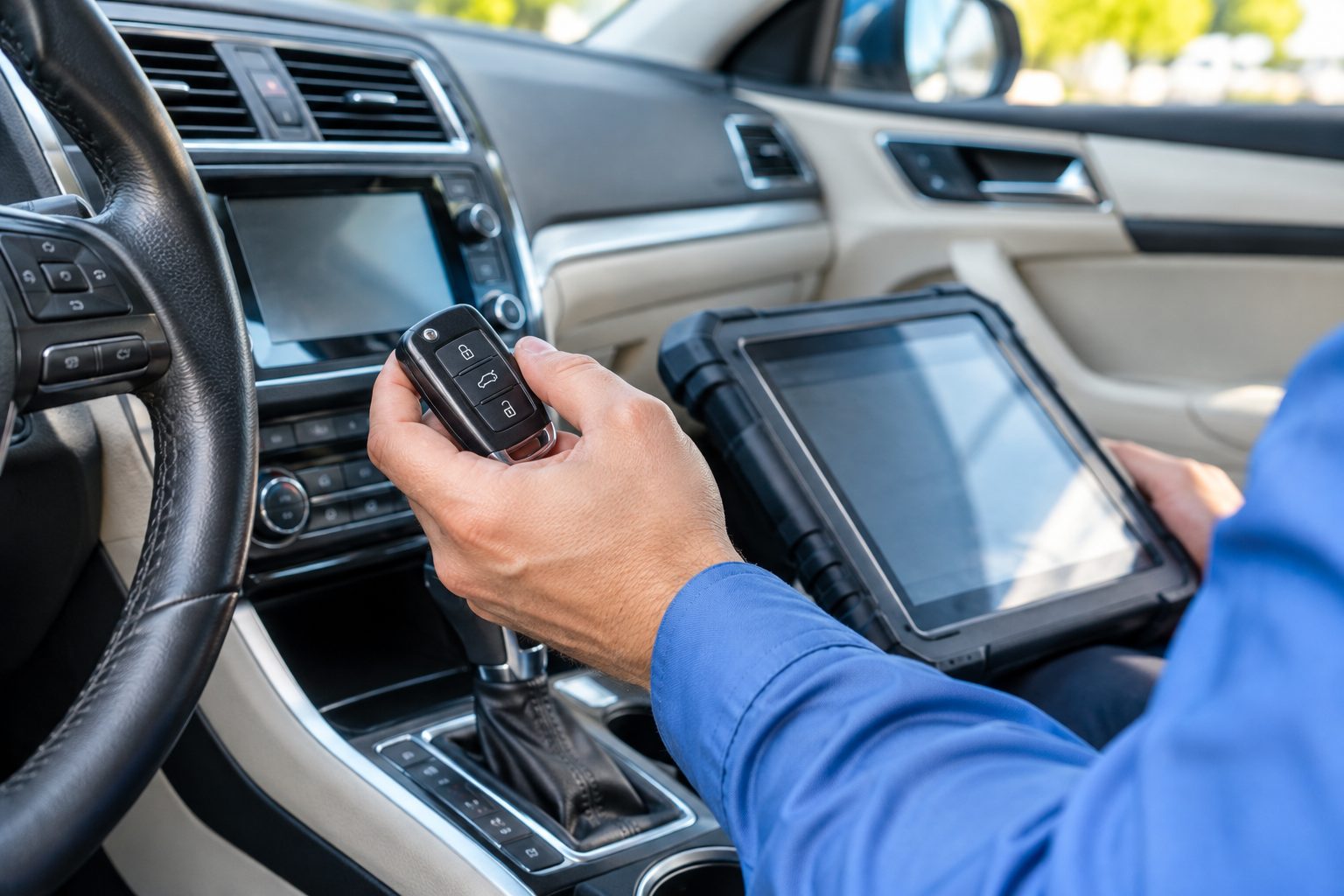
A traditional mechanical key system uses cut keys and pin tumbler cylinders. Possession of the key is the credential. There is no record of who opened which door, and removing someone's access means getting the key back or rekeying the lock. It is simple, familiar and works without power.
Electronic access control replaces or supplements the key with another kind of credential. That might be a card or fob you present to a reader, a number you type on a keypad, a phone, or sometimes a fingerprint. The reader sends a signal to a controller, which decides whether to release an electric strike, a magnetic lock or an electrified lockset. Credentials can be added or removed in software without changing any hardware.
Most real offices end up with a mix. A card reader on the main entry, mechanical keys on interior offices and storage rooms, and a keypad on a back door is a common pattern. The question is not one or the other everywhere, but which doors benefit from which method, and how the two layers support each other.
Mechanical keys are dependable. They do not need power, a network, software updates or a subscription. A well made cylinder can serve for decades with only occasional lubrication. In Central Florida, where storms bring power outages and humidity challenges electronics, that reliability is worth something. A mechanical lock will work during a blackout without a backup battery.
They also suit small, stable teams. If a business has three or four people who rarely change, the administrative burden of a key system is light. Costs are predictable, and the technology is understood by every locksmith. For low risk interior doors, such as a supply closet or a restroom, mechanical keys are often enough, and adding electronics would be effort without much benefit.
Mechanical keys have limits. They cannot tell you who entered, they cannot be switched off remotely and every copy is a permanent credential until you rekey. If you are constantly issuing and retrieving keys, or you cannot account for copies, the system becomes harder to trust. See key control policies for businesses for ways to tighten a key based approach.
Card and fob systems issue each person a credential tied to their record in the system. When someone leaves, an administrator deactivates the credential and it stops working immediately, even if the card is never returned. Many systems can limit access by door and by time, such as allowing a cleaner in only in the evenings. That kind of control is hard to achieve with metal keys.
Keypad systems use entry numbers instead of objects. They avoid lost cards, but the numbers can be shared or watched over a shoulder. Individual numbers per person give better tracking than a shared one, though shared numbers are common in small offices because they are easy to manage. Whatever the credential, the same housekeeping applies: remove old entries, avoid obvious numbers and review who has access.
These systems depend on equipment you need to look after: readers, controllers, power supplies, door position sensors and the locking hardware itself. Our pages on electric strikes and maglocks and commercial locksmith services describe the hardware side. A system is only as dependable as its weakest part, which is often the door or the power supply, not the card reader.
An audit trail is the main thing electronic systems offer that keys cannot. The system records which credential opened which door and when. If something goes missing, you can see who entered the storeroom that evening. If a door is propped open, a sensor can alert you. For businesses that handle cash, inventory, client records or medications, that information can be valuable.
Be realistic about what logs prove. They show that a credential was used, not necessarily that the owner of the credential was the person holding it. Cards are lent and numbers are shared. Logs are most useful when combined with good habits, such as unique credentials per person and a rule against sharing. They also take time to review, and a log nobody looks at is only a record of what you missed.
Privacy and policy matter as well. Staff should know that entry events are recorded, and you should decide who can view the logs and how long to keep them. Keep the policy simple and written. If your business is in a regulated area, check whether records of access are required or limited, and ask your advisor about the rules that apply to you.
Electronic locks need power, and Florida has plenty of storms. Every electronic door should have a defined behavior when power fails, and you should know what it is. A fail secure lock stays locked and relies on the inside handle or a bar for exit. A fail safe lock unlocks, which keeps people from being trapped but leaves the door open. Which is appropriate depends on the door and on code requirements.
Battery backup is a practical necessity. A controller with a battery can keep the system running through short outages, and a small uninterruptible power supply costs little compared with the damage of a long lockout. Test the backup now and then, and replace batteries on schedule. If the system relies on a network connection, ask what happens when the internet goes down, and whether doors keep working locally.
Always keep a mechanical override for critical doors. A key cylinder on an electrified lockset gives you a way in if the electronics fail. Keep that key secure and logged, as it is a credential in its own right. Never allow an electronic system to prevent safe exit from the building. Exit rules are set by local fire and building authorities, and a locksmith or access control installer familiar with them should guide the design.
Lost keys and lost cards are the same problem with different solutions. A lost key means a lock that may need rekeying, and you may never know if someone found it. A lost card is deactivated in the system in minutes, and a replacement can be issued at once. That speed is a major advantage of electronic credentials, especially in businesses with frequent staffing changes.
The tradeoff is administration. Someone must own the system, add and remove users, review the list and keep the software and firmware up to date. In a small office, that person is often the owner or office manager, who has many other jobs. If the system is not maintained, old credentials linger and the main benefit disappears.
A common failure is the forgotten shared credential. A keypad number everyone knows and nobody changes is no better than a key that was copied a dozen times. Set a rule: change shared numbers on a schedule and whenever someone with knowledge of them leaves. Our guide on digital lock code best practices covers numbers in more detail.
The table below sums up the tradeoffs for a small office. It is a general guide, not a recommendation for any specific building, since the right choice depends on your doors, your staff and your tolerance for administration.
| Feature | Mechanical keys | Card or fob | Keypad |
|---|---|---|---|
| Needs power | No | Yes | Usually battery or mains |
| Audit trail | None | Detailed by user and time | Detailed if numbers are individual |
| Removing access | Retrieve key or rekey | Deactivate in software | Delete the entry number |
| Common failure | Unaccounted copies | Lost or lent cards | Shared or guessable numbers |
| Upkeep | Occasional lubrication and rekeying | Software, readers and power supplies | Batteries and number housekeeping |
Before any electronic hardware goes in, the door itself must be sound. A door that sags, drags or does not latch will cause the best system to fail. Electric strikes need precise alignment, and magnetic locks need a flat, rigid surface to hold. A technician will check hinges, closer, frame and latch before installing, and may recommend repairs first. Our guide on commercial door hardware basics explains these parts.
Wiring is another factor. Electronic locks need power and a signal path, which means running cable through the frame, ceiling or wall. In older buildings or leased spaces, that may require permission from a landlord and care with fire rated assemblies. Wireless and battery based locks avoid some wiring, at the price of battery care. The right approach depends on the building and the door.
Also consider the door's use. A glass storefront door has different mounting options than a hollow metal back door. A double door needs its own planning. A door that is used heavily will wear a strike or lock faster. Tell the locksmith how the door is used and what you want it to do, and let them suggest hardware that suits. See storefront door repair for common issues.
Picture a three person accounting office in a shared building. The suite has one entry door, a file room and a small server closet. Keys have been copied twice and nobody remembers to whom. Here, rekeying the entry and file room and putting a restricted key on the server closet may solve the problem at modest effort. A card system would add logs, but also a controller, power supply and an administrator the office does not have.
Now picture a clinic with a front desk, several exam rooms, a supply room and a records office, with staff on rotating schedules and a cleaning crew in the evening. Here, electronic access on the staff entrance and records room makes sense. Credentials can be limited by time, the cleaner can be restricted to evening hours and a departing employee can be removed in minutes. The clinic also keeps mechanical keys for the supply room and an override for the entrance.
Finally, picture a small retail shop with a storefront door, a back door and a stockroom. The owner and two staff share keys. A keypad on the stockroom with individual numbers gives some tracking without a full system, while the storefront stays on a mechanical key with a good deadbolt. Each of these businesses made a different choice, and each was reasonable for its situation.
Start with the problem you want to solve. If keys have multiplied and you cannot track them, an electronic system on the main entries may give immediate benefit. If your team is stable and your doors few, keeping mechanical locks and tightening key control may be enough. If you handle sensitive items in one room, a card reader or restricted key on that single door might be the right level of investment.
Consider the total effort, not only the purchase. Ask who will manage the system, how credentials are issued and removed, how you will handle outages and who will service it. Ask whether the system can grow with you and whether you can add doors later without replacing everything. Be careful about systems that lock you into one supplier, since support and parts matter over years.
A phased approach often works. Begin with the doors that matter most, keep mechanical backup everywhere and expand once the routines are in place. A mobile locksmith can walk the building, point out which doors are ready and suggest a plan. Quotes are given by phone for simple jobs. Complicated jobs may need an on site visit, with a service call charge explained before dispatch. When you are ready, call and describe your office and what you need to control.
Not always. Electronic systems give audit trails and fast removal of access, but need power, upkeep and someone to manage them. Mechanical keys are simple and reliable but harder to track. Many offices use electronics on main entries and keys on interior doors.
It depends on the design. A fail secure lock stays locked, while a fail safe lock releases. Battery backup can keep the system running for a time. Keep a mechanical override on critical doors, and make sure people can always exit safely.
Often yes, if the door and frame are in good shape. An electric strike or electrified lockset can be added to many doors. A technician will check alignment, wiring routes and the door's use before recommending hardware. Leased spaces may need landlord permission.
Issue unique credentials, explain that entries are recorded, and set a written rule against sharing. Review logs and the user list regularly. For keypads, avoid one shared number and change any shared number when someone leaves.
Usually yes, for emergency override and for doors not on the system. Keep override keys secure and logged. They are credentials in their own right and need the same care as any other key.
Many locksmiths install electric strikes, maglocks, keypads and readers, and service the door hardware around them. For large or complex systems, an on site visit is usually needed. Call and describe your doors, and the details and any quote will be explained by phone before dispatch.
Describe the situation by phone and we will tell you what the job involves. Quotes are given by phone. Jobs that cannot be quoted without seeing them need a technician on site, and the service call charge is explained on the phone before anyone is dispatched.
Before choosing an access control system, a small office should ask a few practical questions. Who maintains the software, and what happens if the vendor stops supporting it? Can you export your user list if you switch providers? Where is the data stored, and who can see it? Clear answers matter because a system tied to one provider can be hard to leave. Request a plain written explanation of ongoing responsibilities, such as who changes batteries, who updates firmware and who handles lost cards. Keep your questions in writing so that you can compare answers from several providers side by side.
Ask about the hardware too. Are the readers and controllers standard or proprietary? What battery or power backup is included, and how does each door behave if power fails? Does the system allow a mechanical key override, and how is that key controlled? These details affect daily reliability more than any feature list. Look into how the system records events and how long the records are kept. An audit trail is only helpful if someone reviews it, so consider whether you have the time and interest to do so, or whether a simpler lock with fewer features would suit you better.
Finally, ask what training staff will receive and who adds or removes users. A system only protects you if someone keeps the user list current. A locksmith can review proposals with you and explain what each part means for your doors. Ask for a demonstration on one door before committing to the whole office. Living with a pilot door for a few weeks reveals practical quirks, like slow readers or confusing indicator lights, and lets you adjust the plan before the larger investment is made.