A keypad or smart lock is only as secure as the passcodes you choose and how you manage them. Birthdays, repeated digits and passcodes shared for years all weaken an otherwise good lock. This guide covers choosing, rotating and sharing passcodes, and what to do when one gets out.
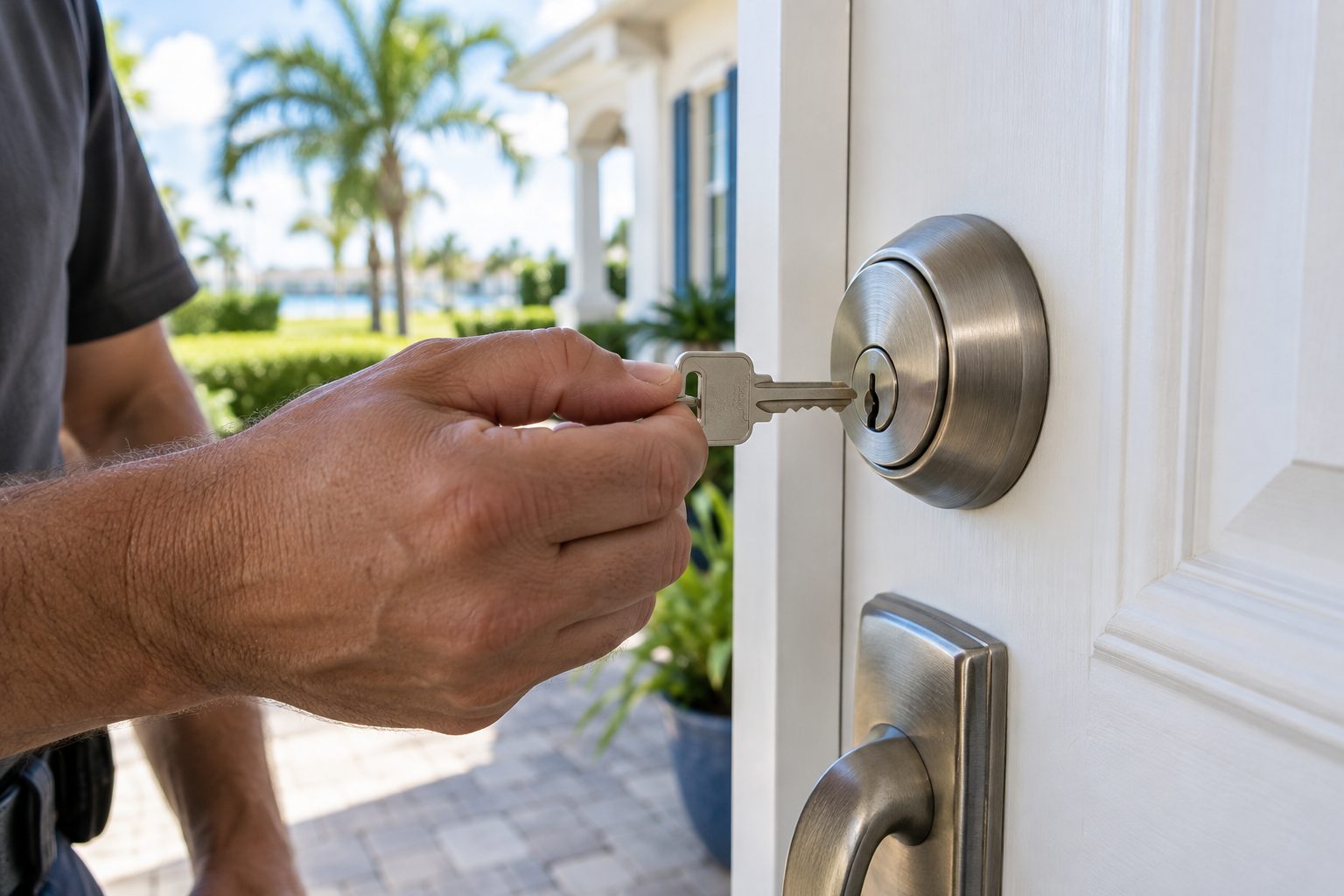
Keypad and smart locks have become common on Orlando homes, apartments, short-term rentals and small businesses. They remove the need for a key, they allow several users, and they make it easy to let someone in without being present. Those benefits depend on how the passcodes are handled. A well-built lock with a weak passcode is like a strong safe with a note taped to the door.
Most keypad locks use a short numeric passcode, usually between four and eight digits. With four digits there are ten thousand possible combinations, and with six digits there are a million. That sounds like a lot, but people do not choose passcodes randomly. They choose dates, repeated numbers, patterns on the keypad and the last digits of a phone number. A small group of passcodes accounts for a large share of the ones people actually use, and anyone who wants to guess knows which ones to try first.
There is also the human side. A passcode is a secret that must be shared with the people you trust, and it can be seen, overheard, written down or passed on. Unlike a key, a passcode cannot be recognized as belonging to someone, and a person who has it can use it forever unless you change it. Good habits are therefore about choosing well, sharing deliberately, and changing on a schedule or after any event that might have exposed it.
Start with what to avoid. Do not use birth dates, anniversaries, the house number, the street number, the last digits of a phone number, repeated digits such as 1111, or sequences such as 1234 or 2580 that run in a line on the keypad. Avoid anything that someone who knows you could guess in a few tries. Avoid the factory default, which is printed in manuals that are available online. Change it as soon as you install the lock.
Choose the longest passcode the lock allows, within reason. Six digits or more are much harder to guess than four, and many locks accept up to eight or ten. Pick numbers that mean nothing to anyone but you. One approach is to take a line from a song or a sentence you know, and convert it into digits using a rule only you know. Another is to pick random digits and memorize them with a rhythm. Do not reuse the passcode for your phone, your bank card or your alarm system, because exposure of one then exposes them all.
Think about how the keypad is used. On some keypads the most-pressed buttons wear down or leave smudges, making it easier to guess which digits are in use. Some locks have a feature that lets you enter extra digits before or after the real passcode, so that a watcher cannot tell which digits matter. If your lock offers that, use it. If your keypad has a scrambled layout option that rearranges digits each time, that helps against watchers too. See keypad deadbolt installation for more on how keypads work.
Most modern keypad and smart locks allow many user passcodes. Use that feature. Give each person who needs regular access their own passcode, whether a family member, a cleaner, a dog walker or a caregiver. The benefits are significant. You can remove one person without affecting the others. If your lock keeps a log, you can see who entered and when. And a passcode that belongs to one person is less likely to be shared around.
Name each user clearly in the lock's app or settings if the lock supports it, so you can tell later which passcode belongs to whom. Keep a short record, in a safe place, of who has which passcode and why. When someone stops needing access, delete the passcode that same day, not at some future point. A forgotten passcode is the most common way old access lingers.
If your lock only supports one passcode, you have a choice. You can keep it very private and use it only for family, giving temporary access in another way, such as a lockbox or a physical key. Or you can upgrade to a lock with more user slots. A technician can advise on which models suit your needs, and we describe the options on our page about smart locks and keyless entry.
Guest passcodes are one of the best features of a digital lock. A temporary passcode that works only during a set window, for example the length of a visit, expires on its own, so you do not have to remember to remove it. This is useful for contractors, cleaners who come on a set day, relatives who stay for a weekend and guests in a short-term rental.
If your lock supports scheduled or expiring passcodes, use them. Set the start and end times with a small margin, and choose a different passcode for each guest or each stay. Never reuse the same guest passcode across many visits, because former guests retain it. For short-term rentals, many hosts use a unique passcode for each booking, generated and sent automatically, and deleted at checkout. Our page on vacation rental lock service covers how locksmiths can help set this up.
If your lock does not support expiring passcodes, you can still manage by adding a passcode when needed and deleting it when the visit is over. Put a reminder in your phone. And when you hand out a passcode, do it in a way that leaves a limited trail: a message that you delete afterward, rather than a note left on a counter. The passcode is a secret, and the fewer places it sits, the better.
There is no single schedule that suits everyone. A reasonable approach is to change the main family passcode once or twice a year, and any time one of the following happens: someone with access moves out or no longer needs it, a phone or a device that stored the passcode was lost or stolen, you suspect someone watched you enter it, a contractor finished a long job, or you moved into a new home.
Do not change passcodes so often that you forget them or fall into writing them in unsafe places. A passcode you cannot remember becomes a passcode on a sticky note, and that is worse than keeping the same one a little longer. Pair the change with an event you already remember, such as the day you change your smoke alarm batteries or the clocks.
Changing a passcode is usually quick through the keypad or the app. Follow the maker's instructions, and test the new passcode from outside with the door open before you close it, so you are not locked out by a typing mistake. Keep the door open and stay outside the first time you test, or have another way in ready. It is a small step that prevents a common lockout.
Anyone standing nearby while you enter your passcode may see it. This is called shoulder surfing, and it does not require advanced skills. Children, neighbors, delivery drivers and passers-by can all see which digits you press. Shield the keypad with your other hand while you enter the passcode, particularly when others are near.
Keypads can also reveal the digits you use through wear and fingerprints. A keypad where four buttons are noticeably worn or smudged tells a viewer the passcode uses those four digits, and reduces the number of combinations to try from thousands to a few dozen. Wipe the keypad from time to time, and consider a lock whose keypad has a protective coating or a touch screen that randomizes the position of numbers.
Also think about cameras. A doorbell camera or a security camera aimed at the door can record the keypad and your hand. Position the camera so it does not capture the keypad closely, and protect access to the recordings with a strong account password. Our guide on home security for Florida homes includes more on how these pieces fit together.
If your lock connects to an app, the app account is as important as the passcode. Use a long, unique password for the account, turn on any two-step sign-in that the maker offers, and do not share the login with others. If family members need access, add them as separate users instead.
Keep the lock's software up to date. Makers release updates to fix problems, and an old version may have known weaknesses. If the app offers notifications for failed attempts or for the door being left unlocked, enable them. Review the list of users and devices occasionally and remove any you do not recognize.
Think about what happens if you lose your phone. If your phone is the key, losing it is like losing a key ring. Know how to sign in from another device and revoke access for the lost one. Keep a backup way in, such as a keypad passcode that is not stored on the phone, and a mechanical key stored safely. Also consider what happens if the internet or the maker's service is down. Many locks continue to work locally with a keypad or a key, but check how yours behaves before you rely on it.
Digital locks run on batteries, and a dead battery is a common cause of lockouts. Most locks warn you with a low-battery chirp or a light, often for weeks. Do not ignore the warning. Replace batteries promptly with good quality ones, and note the date. Many owners replace them on a schedule even before the warning, for instance twice a year.
Know your lock's emergency options. Some locks have contacts on the outside where a nine-volt battery can be held briefly to power the keypad. Others have a hidden keyway for a mechanical key. Learn which your lock has, and keep a key or a spare battery somewhere you can reach it without being inside. See our spare key storage ideas for places that work and places that do not.
After a storm or power outage, check the lock. Humidity and water intrusion can affect electronics, particularly on exposed keypads. If the lock behaves oddly after weather, such as ignoring buttons or locking and unlocking by itself, have it checked. For more on trouble with these locks, see smart lock troubleshooting.
Sometimes you learn that a passcode has gone further than you intended: a former tenant still knows it, a contractor wrote it down, a child told a friend, or you suspect someone saw you. The fix is straightforward. Change the passcode, remove any user entries that are no longer needed, and check the lock's log for entries you do not recognize.
If the log shows unexpected entries, or you believe someone has been inside, do not go in alone if you feel unsafe. Call the police first. Once the property is checked and safe, a locksmith can help with changing or replacing hardware if needed, including rekeying any backup key. Our page on lock change after a break-in describes that situation.
For a lock that you cannot reset, or one whose passcode you have forgotten and cannot recover, call a locksmith and describe the model. Some locks have a documented reset that the owner can perform, while others need a technician. Quotes are given by phone only. For work that depends on seeing the lock, an on-site visit is needed, and there is a service call charge that is explained on the phone before dispatch. Call when you are ready to talk it through.
Use the longest passcode your lock allows within reason. Six digits or more are far harder to guess than four. Avoid birth dates, repeated digits, sequences and anything tied to your address or phone number. Do not reuse the passcode from your phone or bank card, and change the factory default right away.
Yes, if the lock allows it. Individual passcodes let you remove one person without affecting others, and many locks keep a log showing who entered. Delete a passcode on the day someone no longer needs access, and keep a short written record of who has which one in a safe place.
A reasonable habit is once or twice a year, plus any time someone with access leaves, a phone is lost, you suspect it was seen, or you move into a new home. Do not change it so often that you start writing it down. Test the new passcode from outside with the door open.
Most locks warn you well ahead, so replace batteries when the warning appears. Many have emergency contacts for a nine-volt battery or a hidden keyway. Know which yours has, and keep a backup key or battery where you can reach it from outside. Do not rely only on your phone.
They are one of the best tools if used well. Use a unique passcode for each booking, with start and end times, and delete it at checkout. Never reuse a guest passcode across stays. Check that your lock supports expiring entries, and set a reminder if it does not.
Quotes are given by phone only. Tell us the lock brand and model if you know it, and describe the problem. If the work depends on seeing the lock and door, an on-site visit is needed, and a service call charge applies that is explained before dispatch. Call whenever you are ready.
Describe the situation by phone and we will tell you what the job involves. Quotes are given by phone. Jobs that cannot be quoted without seeing them need a technician on site, and the service call charge is explained on the phone before anyone is dispatched.
A short written plan prevents confusion with digital locks. List each person who needs access, such as family members, a cleaner, a dog walker or a relative who visits, and decide what level of access each should have. Some people need an everyday code, while others only need access on certain days. Store the plan somewhere other than the door, such as a locked drawer or a password manager, and avoid texting the master code to anyone. Pin the written plan near your other household records so it is easy to find when circumstances change.
Write down how codes are issued and removed. For instance, decide that guest codes are deleted after each visit, and that long term helper codes are reviewed every season. Keep the master or admin code private, and store it somewhere safe that is separate from the lock itself. Hold a short review whenever circumstances change, for example when a babysitter stops working for you or when a roommate moves out. Deleting a code takes seconds, and it is among the most practical habits you can build with a digital lock.
Share the plan with everyone in the household so no one improvises. If your lock supports it, give each person their own code rather than sharing one. A technician can show you how to add and remove codes, and explain how the lock behaves when batteries run low. If you are unsure what your lock can do, look up the model name and read the quick start guide. Features like temporary codes, audit logs and auto relock vary a lot, and knowing yours helps you design a plan that fits the lock you actually own.