A smart lock that stops responding is usually telling you something simple: a weak battery, a bolt that no longer lines up with the frame, or an app connection that needs resetting. Sometimes it is a failing motor. This page explains how to tell the difference and what a technician does about each.
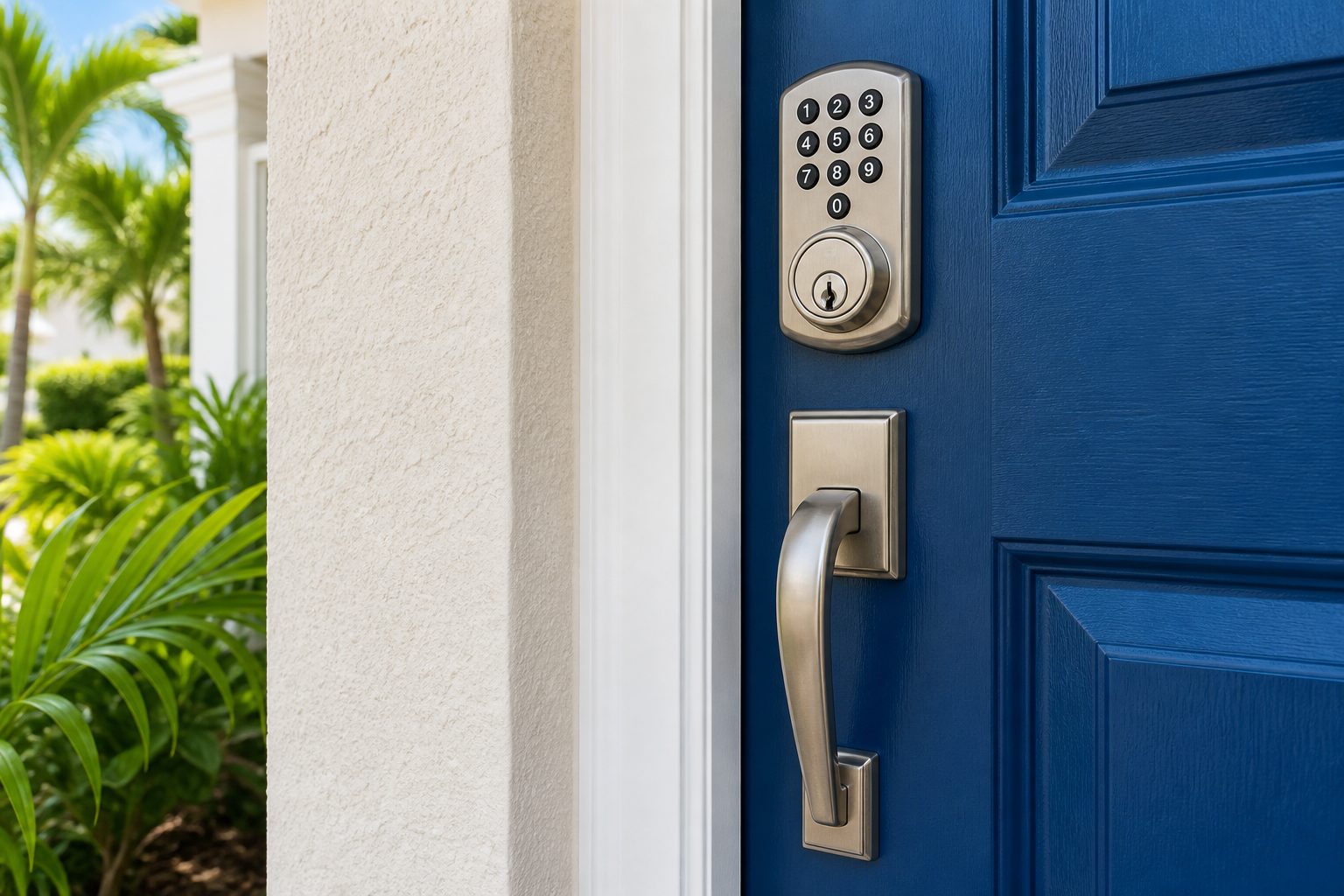
Smart lock complaints sound different from one house to the next, but they cluster into a handful of patterns. The lock beeps but the bolt does not move. The bolt moves slowly or stops halfway. The keypad lights up but ignores the PIN. The phone app says the lock is offline. The lock locks itself when you do not want it to, or refuses to lock at all. Each pattern points to a different part of the system.
It helps to describe exactly what you see and hear, because a motorized lock is a small machine and it makes noise when it struggles. A whirring sound with no bolt movement often means the motor is turning but something is blocking the bolt. A single dull click can mean the batteries are too weak to finish the throw. Silence and a dark keypad usually means no power at all.
Write down when the problem started. Did it begin after a storm, after a battery change, after the door was painted, or after a phone update? Those timing clues often save a technician an hour of guessing. If you are still deciding between lock styles, the smart lock buying guide explains what each type needs to work reliably.
More smart lock calls trace back to batteries than to any other cause. A motor that needs to push a steel bolt draws a lot of current in a short burst. As batteries age, they can still light up a keypad while no longer having the strength to move the bolt. The lock may seem alive but be unable to do its job.
Replace all the batteries at once with fresh ones from a reputable brand. Mixing old and new cells shortens the life of the set. Avoid rechargeable cells unless the manufacturer says they are supported, since many deliver a lower voltage than alkaline cells and the lock may misread them as low.
In a hot climate batteries drain faster than the label suggests. A lock on a sun exposed door in an Orlando summer can heat up considerably, and heat shortens battery life. Moisture is another concern: a battery compartment that has been damp for months can show corrosion on the contacts. If you see white or green crusty residue, do not scrape around live contacts with a metal tool. A technician can clean and test them safely, and replace the battery pack if the corrosion has spread.
The second most common cause is mechanical. If the bolt does not line up cleanly with the hole in the strike plate, the motor has to fight friction every time it extends. A manual key can often overpower a slight misalignment, but a small motor cannot, and the lock begins to jam, stall or report errors.
Doors move. In Central Florida, wood swells in humid months, hinge screws loosen, and slab doors can sag as the seasons turn. A bolt that glided in last winter may drag in August. You can test this yourself without any risk: with the door open, turn the bolt using the thumb turn or the key and watch whether it extends and retracts smoothly. Then close the door and try again. If the lock works with the door open but struggles when the door is closed, the problem is alignment.
The fix may involve tightening hinge screws, adjusting the strike plate position, enlarging the strike opening slightly, or planing the door edge. A technician can often correct this without replacing the lock at all. See the page on door hardware repair for how sagging doors, loose handles and latch problems are assessed. It is worth solving the cause rather than replacing a lock that was never at fault.
Smart locks that connect to a phone use Bluetooth, Wi-Fi, or a small bridge device. When the connection drops, the lock itself usually still works with its keypad or key, but the app shows it as offline. The cause is often far from the lock: a router that was restarted, a changed Wi-Fi password, a phone operating system update, or a bridge device that was unplugged.
Begin with the basics. Is the router working and does the lock sit within range? Thick doors, metal frames and security screens can weaken a Bluetooth signal. Has the phone been given permission to use Bluetooth and location for the app? Did you recently get a new phone or sign in with a different account? Many connection problems come down to one of these.
A technician can re-pair a lock and check that the signal is strong enough where it is installed, but they cannot fix your home network or recover an account you no longer have access to. Keep your account login handy, and keep the original setup documents. If a lock needs to be reset to factory settings, that wipes the stored PINs, so write down who needs access first. The digital lock PIN guide covers how to track and rotate access sensibly.
A keypad that ignores a correct PIN has several possible explanations. The simplest is a lockout feature: many models disable the keypad for a period after several wrong attempts, and the lock will not respond even to the right number until the delay ends. Wait and try again calmly rather than pressing buttons repeatedly.
Worn or dirty buttons can also misread presses. Moisture creeping behind the keypad is common near coastal areas and during the rainy season, and it can cause erratic behavior or ghost presses. A keypad that works only when pressed hard, or only some digits, is often reaching the end of its life. The cable between the keypad and the inside housing can also be pinched or damaged, particularly if the lock was installed hastily.
Do not pour cleaning spray into the buttons or open the housing yourself. Electronics and water do not mix, and a lock that worked partly can fail completely after being soaked. If a keypad is failing, a technician will test the cable connection, the battery voltage and the control board before suggesting replacement. For a fresh installation or a swap to a new model, the keypad deadbolt installation page explains the process.
Smart locks have moving parts. The motor, gears and clutch inside the housing wear out, especially on locks that cycle many times a day or sit on a door that closes hard. Signs of a failing mechanism include a grinding or buzzing noise, a bolt that moves only part of the way, intermittent operation that gets worse over weeks, or a lock that works only when the door is held a certain way.
A technician can often separate a mechanical door problem from an internal failure with a few simple tests. They will try the bolt by hand with the door open, check the battery voltage under load, and observe how the motor behaves. If the motor is straining even without the door closed, the lock is the issue.
Repair of the internals of consumer smart locks is rarely practical. Most manufacturers sell them as sealed units, and parts are not normally available separately. When the internal mechanism has failed, replacement is the honest answer, and the technician can often fit a comparable model that uses the same bore holes. Be wary of anyone who offers to open and repair a sealed housing on the porch; the result rarely lasts.
The decision comes down to what is failing, how old the lock is and how well it fits your needs. Batteries, alignment, a misconfigured app and a dirty contact are all repairs. A failed motor, a cracked housing, a worn out keypad or a model the manufacturer no longer supports are usually replacements.
Age matters too. A lock that has been on a coastal door for years may have corroded electronics even if it looks fine on the outside. If you have had repeated trouble, replacing the unit may cost less over time than another service visit. Prices are quoted only by phone, and a technician can talk you through the options after hearing the symptoms.
Consider whether your needs have changed. A lock chosen for convenience may now need to support more users, a rental guest schedule, or a different type of backup. The page on smart locks and keyless entry lays out the options, and a technician can recommend something that fits the door you have rather than forcing a poor match.
| Symptom | Likely cause | Typical outcome |
|---|---|---|
| Beeps but bolt does not move | Weak batteries or a binding bolt | Fresh batteries or door adjustment |
| App shows offline | Network, bridge or phone settings | Re-pair and check signal strength |
| Keypad ignores correct PIN | Lockout delay, worn buttons or moisture | Wait, test, then repair or replace keypad |
| Grinding noise, partial bolt travel | Worn motor or gears | Usually replacement of the lock |
| Works only with door open | Strike misalignment or door sag | Adjust the door, frame or strike |
Some checks are safe and quick, and they make the phone call far more useful. None of them involve taking the lock apart or forcing it, and none involve defeating how it works.
Treat a lock that is stuck in the locked position with extra caution. If you are inside and need to get out, the thumb turn or inside lever should always work. If it does not, that is a separate safety matter, and if anyone is trapped in an emergency, call 911 first. Never force a motorized bolt with a tool; you can strip the gears and turn a repair into a replacement.
A mobile technician arrives with tools and a range of common replacement parts, though not every model of every brand can be carried on one vehicle. When you call, tell the dispatcher the brand, the symptoms and whether the door is working normally otherwise. This lets them bring the right parts and tell you honestly whether the job can be finished on one visit.
Pricing is given only by phone. Simple adjustments and battery related repairs can often be handled after a short conversation, while complicated jobs need an on site visit to assess. A service call charge applies and is explained before dispatch, so there are no surprises when the technician arrives.
Have the original box, manual or account details ready if you can find them, and make sure someone who owns or manages the property is present. The technician will ask for confirmation of that, since they only service locks for people entitled to have them changed. When you are ready to get your lock working again, call and describe what it is doing. A short, honest description of the symptoms gets you to the right fix faster.
The most common reasons are weak batteries and a bolt binding against the strike plate. Replace all batteries first. If that does not help, open the door and operate the bolt with the thumb turn. If it moves easily open but not closed, the door or frame needs adjustment. If it struggles even open, the motor or gears may be worn.
Simple problems such as batteries, alignment, pairing and dirty contacts are repairs. Internal failures, such as a worn motor or a damaged control board, usually mean replacement because most consumer models are sealed units without separate parts. A technician tests the lock and the door and tells you which it is.
A factory reset normally clears stored user PINs and may remove the lock from your account. Before resetting, write down who has access so you can restore it. A technician can reset and reprogram the lock for you, but you should always confirm which settings and PINs you want to keep.
Moisture and salt air can corrode battery contacts and electronics over time, especially on doors exposed to rain and sun. Locks that are rated for outdoor use hold up better, but no electronics last forever in a humid climate. Replace batteries on schedule and have a technician check any lock showing erratic behavior.
Opening the outside housing is not recommended. Sealed electronics can be damaged by dirt, moisture and static, and a motorized lock can have a spring or gear under load. Changing batteries through the battery cover is fine. Anything beyond that should be left to a technician who knows the model.
Quotes are given by phone only. A simple issue can often be priced after you describe the symptoms. A job that needs the technician to see the door and lock is assessed on site. A service call charge applies and is explained before anyone is dispatched, so you know the terms before agreeing to the visit.
Describe the situation by phone and we will tell you what the job involves. Quotes are given by phone. Jobs that cannot be quoted without seeing them need a technician on site, and the service call charge is explained on the phone before anyone is dispatched.
Smart locks fail in layers, and a careful technician works through them in order rather than guessing. The first layer is power, where fresh batteries and clean contacts are checked, since voltage that looks fine can still sag when the motor engages. The second layer is mechanical, where the door is tested with the lock removed or the bolt retracted by hand to see whether the door alignment is binding. The third layer is the electronics, including the keypad, the motor, and the wireless module. Following that order avoids replacing an expensive lock when the real problem is a worn battery or a door that has shifted.
Records help the process. Note when the trouble started, what changed beforehand, and what the lock does or says during a failure. A recent app update, a router change, a new battery brand, or a stretch of heavy rain can all matter. Take screenshots of any error messages and note the lock's model and firmware version if the app shows it. The technician uses these details to separate a software problem from a hardware one. If the lock is still under a manufacturer's support program, that avenue may be worth trying before or alongside a service visit, and the technician can tell you what to ask for.
When the visit begins, the technician tests the door, the bolt, and the lock together before taking anything apart. Findings are explained in plain language, along with what can be done on site and what might need a replacement unit. The scope and any quote are explained before work begins, and nothing is installed without your agreement. If the lock is replaced, the technician helps pair the new device with your app or code system and confirms backup keys still work. Ask about keeping a physical key accessible, so a dead battery never becomes a lockout.