You press the buttons and nothing lights, beeps or unlocks. A dead keypad is usually a battery problem, and that is good news, but moisture, wear and failing electronics can look identical from the outside. Sorting the simple causes from the serious ones saves time and keeps you from being locked out.
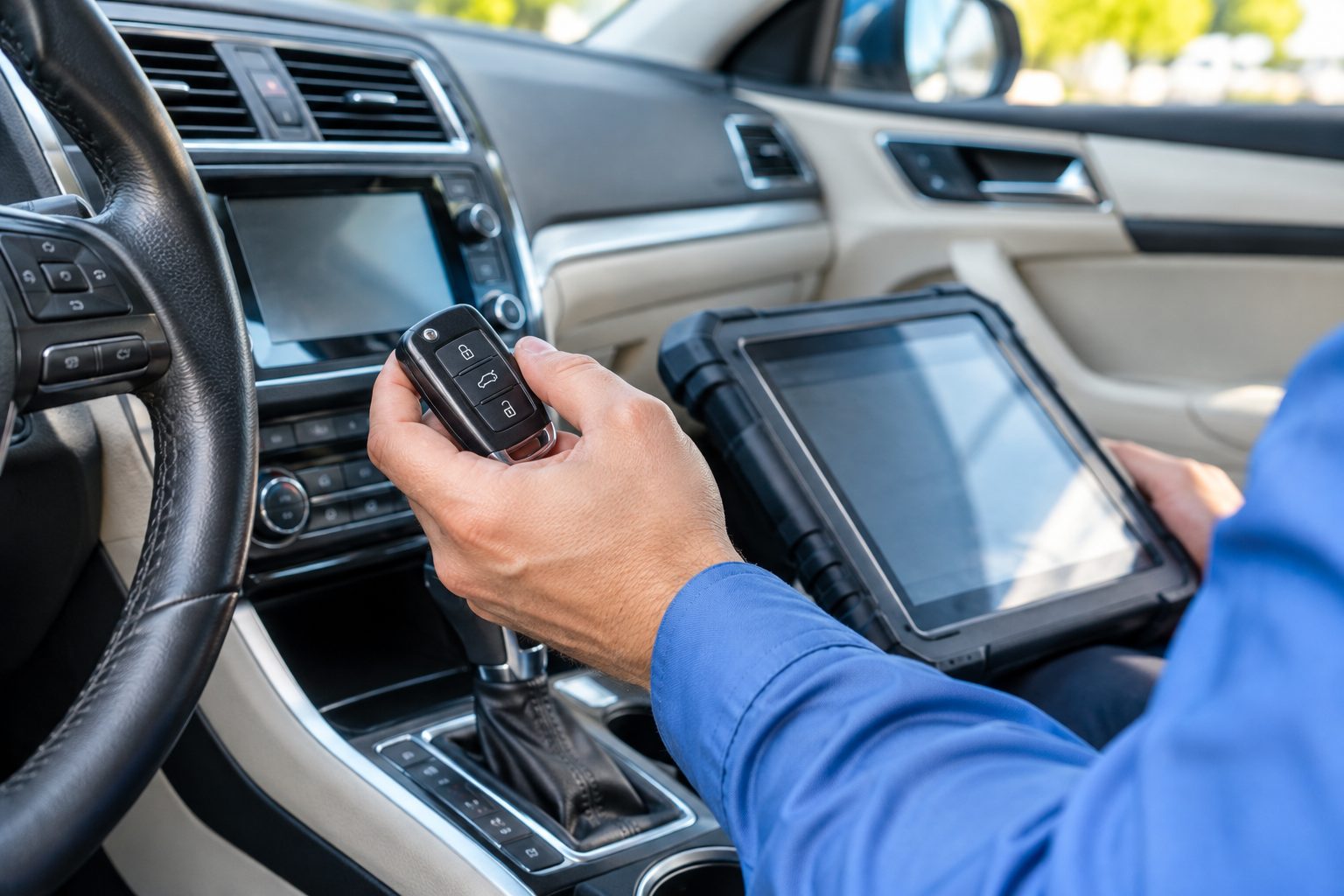
A keypad lock is a small electronic device attached to a mechanical lock. When you enter your PIN, a circuit board checks the number, powers a small motor or solenoid, and that mechanism retracts the bolt or releases the latch. Most home keypads run on four AA batteries mounted inside the interior housing. Commercial pads and some garage and gate keypads may run on a different power source, but the principle is the same: low power, a small processor, and a motor that has to turn a bolt.
Because the system has many parts, there are many ways for it to stop responding. The battery may be weak. The contacts may be dirty or corroded. The keypad membrane may be worn through. The wire between the exterior pad and the interior board may be damaged. The motor may be failing. The board may have been hit by moisture. And on a smart lock, the issue could be settings or a connection, not hardware at all.
The first job is to work out which kind of not responding you have. A pad that is completely dark behaves differently from a pad that lights up but will not unlock, and both differ from a pad that beeps and grinds. The sections below walk through each symptom, starting with the most common and least expensive causes.
Most keypad failures start with batteries. Alkaline cells lose voltage gradually, and the lock may behave strangely before it stops entirely. A weak battery can light the pad dimly, accept a PIN and then fail to turn the motor, because the motor demands more current than the lights. Many locks warn you with a low battery beep, a flashing light or a message in an app, but those warnings are easy to miss or ignore.
Replace all the batteries at once with new, matching cells from the same package. Mixing old and new is a classic mistake that leaves the lock running on the weakest cell. Check the orientation of each battery against the markings in the compartment. Look for white or green crust on the contacts, which is corrosion from a leaking cell, and clean it gently with a dry cotton swab, a little rubbing alcohol if needed, and let it dry fully before closing the cover.
If a lock has a 9-volt emergency terminal on the outside, touching a fresh 9-volt battery to the terminals can power the pad long enough to enter your PIN. Check your manual for the exact method. Do not try to power the lock by connecting wires or tools to anything else. If a lock has a physical key override, it may be your fastest way in, which is why keeping a spare key somewhere safe is worth doing.
Electronics and moisture do not mix, and Central Florida supplies plenty of both. Afternoon thunderstorms, wind-driven rain, sprinklers aimed at the entry and months of high humidity all put stress on keypad hardware. Water can seep in around the edges of an exterior pad, collect behind the buttons and bridge circuit contacts, so the pad behaves oddly or stops. Condensation inside the housing is also common on doors that sit in the sun and then get cool rain on the surface.
Signs of moisture damage include a pad that works in the morning and fails after rain, keys that light up on their own, buttons that stick, and a faint film or fog on the inside of a clear cover. Sometimes a pad dries out and recovers, but repeated cycles of wet and dry corrode the contacts and shorten the life of the board.
If you suspect water, avoid spraying cleaners or blowing hot air at the pad. Heat can warp the plastics and push moisture deeper. Let the pad dry in shade and, where the battery cover is accessible, remove the batteries to reduce the risk of short circuit. If it does not recover, the circuit board or the pad itself needs replacing. Where the entry is exposed to rain, a more weather-rated keypad or a simple overhang can add years of life. Our humidity and lock longevity guide explains the climate effect on locks.
Keypads are touched thousands of times. Over the years the printed numbers wear off, the rubber or membrane under each button hardens and the contacts underneath lose their sensitivity. The pad may respond to some digits and not others, so your PIN fails because one key is dead. Look for the digits that are most worn, since those are the ones you use most often.
Sun is another culprit. Strong, direct afternoon light bakes plastics, cracks covers and fades printing. A cracked pad lets water in and a faded one is hard to read at night. Physical damage from kicked doors, bumped luggage, children, pets or a failed attempt to force the lock can also bend internal parts and sever wires.
If you notice cracks, loose buttons or visible damage, note them for the technician, and avoid pressing or twisting the pad. Sometimes only the exterior module needs replacing, and the rest of the lock can be reused. In other cases, the lock is a complete unit and the whole assembly is replaced. A technician will help you choose, and keypad deadbolt installation explains what a replacement involves.
If batteries are new, contacts are clean and the pad still behaves oddly, the problem may be inside the lock. The circuit board may have failed, a ribbon cable between the pad and the board may have worn through, or the motor that moves the bolt may be struggling. The signs vary: a pad that lights but never beeps, a lock that beeps but the bolt will not move, a bolt that moves partway, or a motor that grinds or whirs without engaging.
Mechanical resistance is a common hidden cause. If the door has shifted and the bolt binds in the strike, the motor is working against friction, and it may stall. The lock reports a failure, but the true cause is alignment. Try operating the thumb turn on the inside with the door open. If the bolt moves freely by hand but jams when the door is closed, the door or strike needs adjusting, not the electronics.
A lock that locks and unlocks fine on its own but does not respond with the PIN could have a corrupted memory or a lost setting. Some models offer a reset procedure in the manual. Follow it carefully, since a reset usually erases all stored PINs and may require reprogramming. If you are unsure, do not guess. A wrong reset step on some models can leave the lock in a state that is harder to recover.
Many newer keypads connect to a phone, a hub or a home network. In those cases, not responding can mean a software problem as much as a hardware one. A drained battery in the phone, a changed Wi-Fi password, a hub that has been unplugged or an app that needs updating can interrupt remote functions while the physical keypad still works. Test the pad directly at the door first, to see which half of the system is failing.
Firmware updates and time settings can also cause surprises. Schedules that grant access during certain hours may stop working after a power cut or a daylight saving change. Guest PINs may expire. A lock that seems to ignore a number may simply have that number turned off. Review the user list in the app or the on-lock menu before assuming the hardware is broken.
If a connected lock keeps dropping out, our smart lock troubleshooting page and the smart lock locks you out guide describe what can be checked. For help picking between types of electronic entry, the keypad vs key fob vs smart key guide is a good starting point.
When a lock stops working, people try drastic fixes. Do not pry the pad off the door, drill into the lock, or soak it with cleaners. These steps can break the wiring and turn a battery problem into a replacement. Do not hold the door open with the lock disengaged for long periods, because that exposes your home. If you must leave without a working lock, secure the door another way, or ask a locksmith about a temporary solution.
Do not try to bypass the electronics by opening the housing and touching the motor or the board with a screwdriver. Short circuits can damage the parts and the stored settings. If you are comfortable replacing batteries, do that. For anything else, a technician with the right tools and knowledge can work safely.
Do not reuse an old or unknown PIN list without checking it. If a keypad is replaced or reset, review who still has access. A fresh start is a good time to remove old household members, past guests, former contractors and anyone who no longer needs entry. If you rent out a property, the digital lock PIN best practices guide covers how to manage access.
The visit starts with the simple items: batteries, contacts, the mechanical movement of the bolt and any warning lights. The technician tests the pad directly, tries the key override if there is one and listens to the motor. They look for moisture, corrosion and signs of impact. A lock that tests well mechanically and fails electronically is usually a candidate for a part swap or a replacement unit.
If a lock is repairable, a replacement exterior pad, interior board or motor assembly can sometimes be fitted. If parts are not available or the lock is old and tired, a new keypad lock may be the better choice. The technician can match the new unit to the existing door prep, so no new drilling is needed. When security is a concern, they can also suggest a deadbolt grade and a strike plate that suits the door.
Quotes are given by phone after we understand your lock and the symptoms. Complicated jobs may need an on-site visit, and a service call charge applies for dispatch. That charge and the process are explained on the phone before anyone is sent. The phone quote guide covers what to expect.
When you call, have the lock brand and model ready if you can find them, and describe exactly what the pad does: lights, sounds, buttons that work or fail, and when it started. That detail helps us decide whether a quick battery fix is likely or whether to plan for hardware.
A little routine goes a long way. Replace batteries on a calendar, for example when the clocks change or at the start of hurricane season, rather than waiting for a warning. Keep spare batteries with your emergency supplies. Wipe the pad occasionally with a barely damp cloth, and keep sprinklers and pressure washers from soaking the entry.
Test the lock regularly with the door open, so you notice a sluggish motor or a sticky bolt before it fails. Keep the key override accessible but secure, and make sure household members know how to use it. If your door is exposed to sun and rain, consider a shaded entry or a more weather-resistant model when you replace it.
Before storm season, review how your lock behaves without power. Many keypad locks run on batteries and keep working during an outage, but connected features may not. The hurricane season door and lock prep guide covers wider preparations.
If your keypad is not responding, try the battery and contact checks, and then call if there is no change. We can talk through the symptoms and advise whether a repair, a replacement or a mechanical key solution is the right next move.
Lights need very little power, while the motor that moves the bolt needs much more. Weak batteries often power the lights but not the motor. A binding bolt, a worn motor or a loose wire can also cause it. Replace all batteries first, then test the bolt with the door open.
Yes. Water can seep around the pad, corrode contacts and cause erratic behavior. Pads exposed to direct rain or sprinklers are most at risk. Let a wet pad dry in shade, avoid heat and sprays, and have it checked if problems return after each storm.
Check whether your lock has a key override or an emergency power terminal for a 9-volt battery. If neither works, call a locksmith rather than forcing the pad or the door. Forcing the lock can damage the electronics and the door frame.
It depends on the model and the failure. Some locks allow replacement of the pad, board or motor, while others are sold as a sealed unit. A technician can test the lock, check parts availability and tell you whether repair or replacement makes more sense.
Only if the manual describes a reset for your exact model, and you accept that stored PINs may be erased. A wrong procedure can leave some locks in an awkward state. If you are unsure, describe the symptoms by phone and we can advise before you try.
Know the lock brand and model if you can, which door it is on, how old it is, and what the pad does when you press buttons. Mention recent storms, water on the door or a recent battery change. Quotes are given by phone.
Describe the situation by phone and we will tell you what the job involves. Quotes are given by phone. Jobs that cannot be quoted without seeing them need a technician on site, and the service call charge is explained on the phone before anyone is dispatched.